No start/stop routine
Trip facts are designed to come from authorized Tesla vehicle data, so the mileage record does not depend on remembering to start a log.

Tesla automatic mileage tracking · in development
Download the free 2026 mileage log template →
Automatic Tesla mileage tracking is in development. DriveQuery is being built to turn vehicle trip facts into a reviewable business mileage log, with driver review of business purpose and classification.
Available now: use the free manual mileage log for any car, with PDF and Excel export. The automatic workflow described below is planned; join early access for updates.
Capture first. Review business, personal and commuting trips later. Add the business purpose only where it is actually needed.
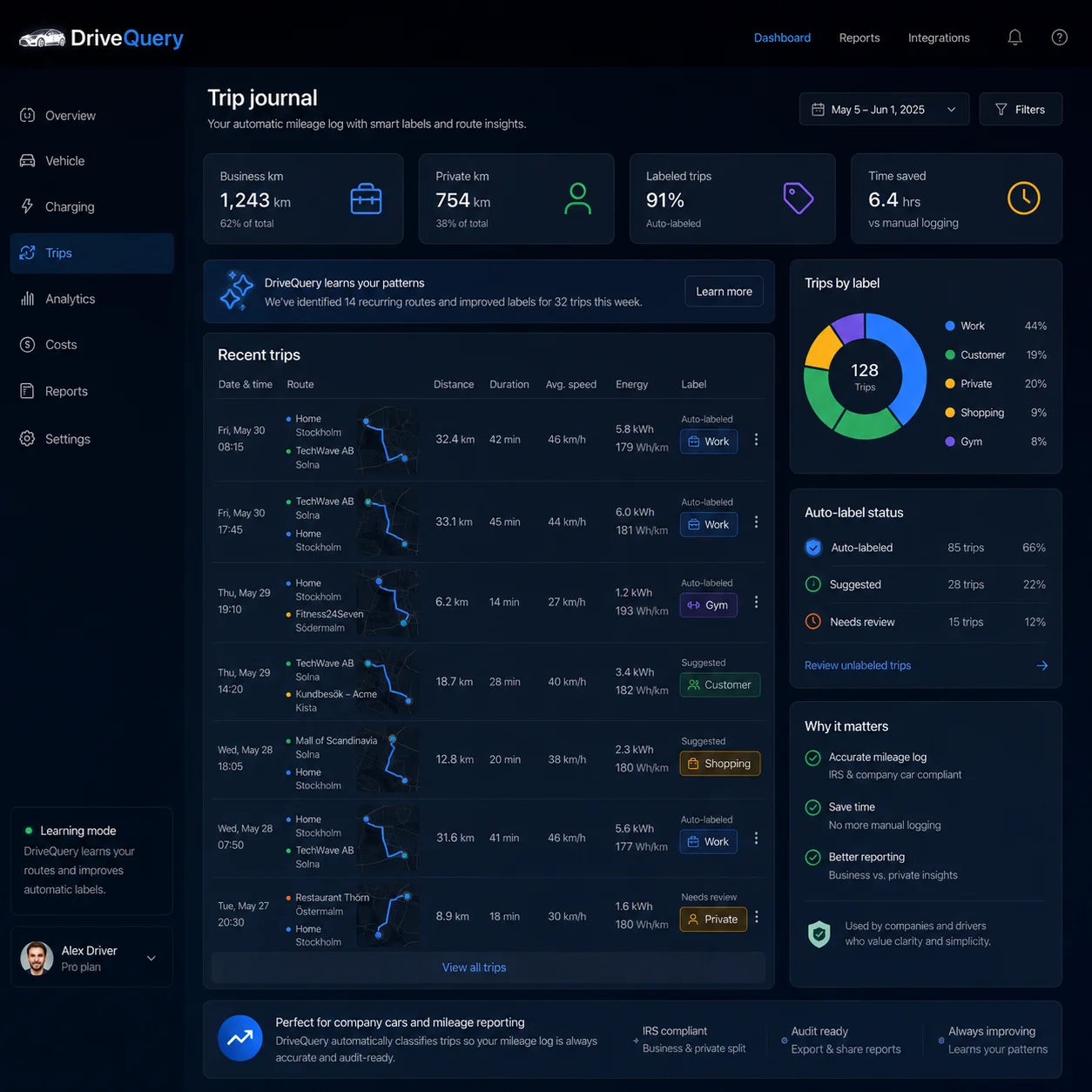
Trip facts are designed to come from authorized Tesla vehicle data, so the mileage record does not depend on remembering to start a log.
The Tesla is the source for the vehicle journey. Your phone does not need to act as the mileage sensor for every drive.
Recurring places and past choices can speed up review, but DriveQuery does not silently invent the tax reason for a trip.
Keep trip-level detail behind the totals so mileage can be used for bookkeeping, reimbursement or tax recordkeeping workflows.
The useful automation happens before tax time: capture every drive, make classification fast, and keep the evidence behind the total.
DriveQuery is designed to capture Tesla trip timing, distance and location context from the vehicle.
Confirm business, personal or commuting use. Repeated destinations can make common journeys faster to review without hiding exceptions.
Record the client, job site, meeting or other business purpose when the trip needs substantiation.
Review anomalies, keep dated trip detail and export the record for the workflow that needs it.
Most automatic mileage apps infer driving from a phone. DriveQuery is built around the vehicle itself.
| Tracking question | Typical phone-based mileage app | DriveQuery for Tesla |
|---|---|---|
| Where do trip facts come from? | Phone location and motion sensors | Authorized Tesla vehicle data |
| Does the phone act as the trip sensor? | Usually | No, not for Tesla trip capture |
| Can recurring places speed up classification? | Often | Yes — while keeping review visible |
| Who confirms business purpose? | The user or business | The user or business |
| Can the reviewed trips be exported? | Depends on the app | Designed for exportable trip records |
A polished dashboard is not enough. The underlying trip record needs enough detail to explain where the mileage total came from.
If you are comparing a mileage tracking app for business, check what evidence remains behind the monthly total — not just whether trip detection is automatic.
Date, distance and destination context for the individual journey — not just a monthly mileage total.
Business purpose plus a clear distinction between business, personal use and ordinary commuting.
Total annual mileage and enough history to spot missing trips, duplicates or unexplained gaps.
IRS Publication 463 identifies the date of use, business destination, business purpose, mileage for each business use and total annual mileage among the important vehicle-record elements. See the detailed mileage log for taxes guide.
A small-business mileage tracker should keep one reviewed trip history that can support different outcomes without pretending they are the same tax rule.
Keep business driving separate from personal use and retain the trip detail behind a potential mileage deduction.
Mileage deduction guide →Turn reviewed business trips into a mileage record for an employer policy or accountable-plan workflow.
Mileage reimbursement guide →Keep recurring client, job-site and supplier travel organized without asking drivers to reconstruct the month later.
IRS recordkeeping guide →The federal business standard mileage rate changed mid-year, so an annual total alone is not enough to apply the two 2026 periods correctly.
The IRS standard mileage rate is optional and eligibility depends on your facts. See IRS mileage rate 2026 for the current rate and mileage deduction for standard-mileage vs. actual-expense rules.
If the sequence has an unexplained gap, the monthly total can look complete while the evidence underneath it is not.
Surface unexpected mileage jumps, duplicates or gaps so they can be reviewed while the journey is still understandable.
A recurring route can be easy to confirm without forcing every visit to have the same business purpose.
If you are investigating gaps, see Tesla trip history missing.
Practical answers for Tesla owners comparing mileage tracking apps and recordkeeping workflows.
DriveQuery is designed to use authorized Tesla vehicle data to capture trip facts such as timing, distance and location context. You then review whether each trip was business, personal or commuting and add the business purpose where needed.
DriveQuery is designed to capture Tesla trip data from the vehicle rather than relying on continuous phone GPS tracking for the mileage record.
No. Automation can capture facts and speed up classification, but the driver or business should confirm the final purpose and tax treatment.
IRS Publication 463 identifies records such as the date, business destination, business purpose, mileage for each business use and total annual mileage as important substantiation elements.
DriveQuery is being designed to export reviewed trip records that can support bookkeeping, mileage reimbursement and tax recordkeeping workflows. Your employer policy and tax eligibility still determine how the records are used.
No. The 76¢ rate is the federal business standard mileage rate for July 1 through December 31, 2026. It is not a universal federal requirement that every employer reimburse exactly that amount.
Review the business purpose when it matters — instead of rebuilding a month of driving from memory.